
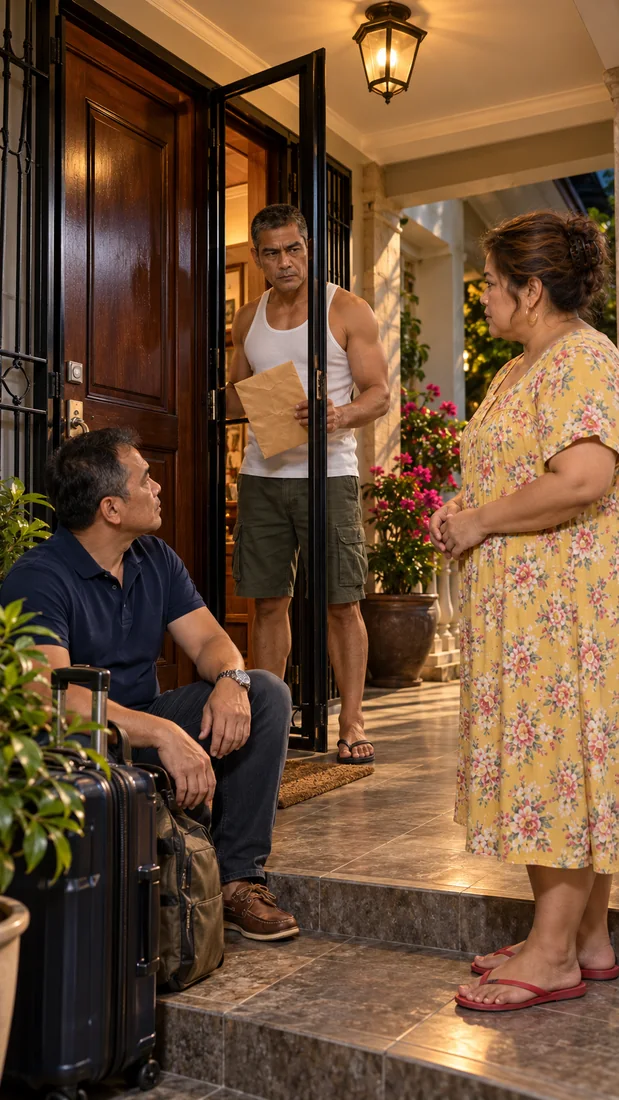
 PhotorealisticStyle artwork
Stories that feel cinematic.
Drama · emotion · storytelling
From “what if” to your next AI story.
Build your scenes, bring your characters along, and turn repeated clicks into a creative workflow—with the AI platforms you already use.
AI platform credits and subscriptions are separate.
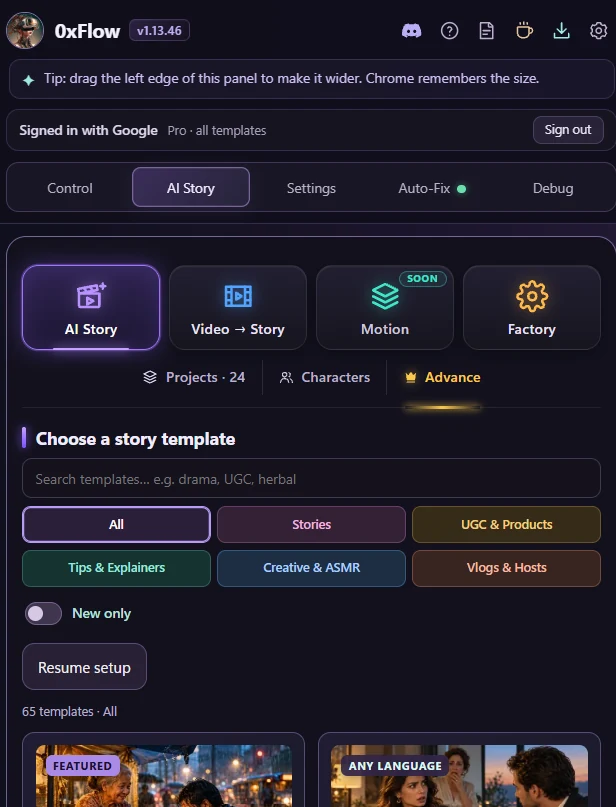
ONE TOOL. SO MANY DIRECTIONS.
Heartfelt drama. Animated ideas. Something a little unexpected. Start with a template, then shape it around your own voice.
PhotorealisticStyle artworkDrama · emotion · storytelling
 2D & animeGenerated clip · silent preview
2D anime · character-led scenes
 3D & stylizedStyle artwork
Clay-style · everyday comedy
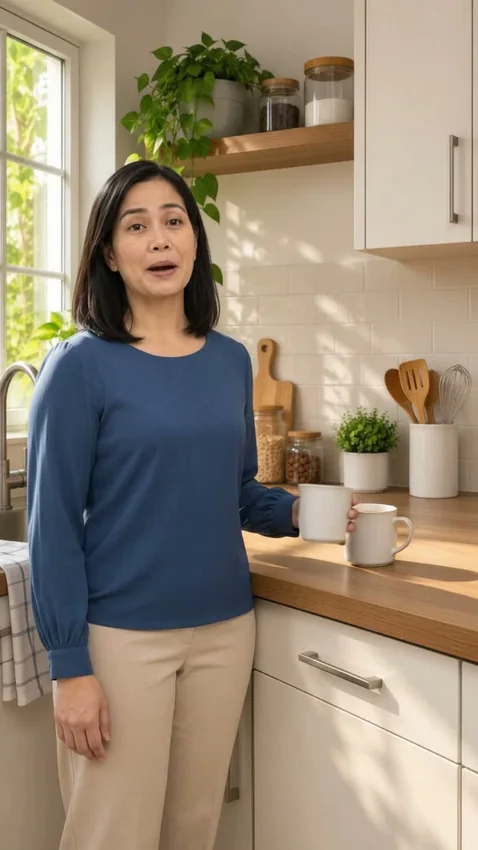 PhotorealisticGenerated clip · silent preview
Presenters · explainers · product stories
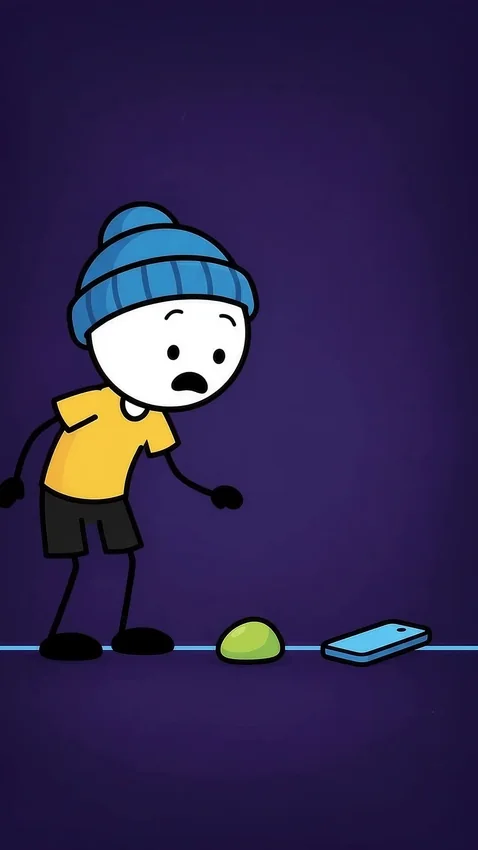 2D & animeGenerated clip · silent preview
Stick figures · habits · short films
 3D & stylizedStyle artwork
Stylized 3D · playful micro-drama
A mix of actual generated clips and style artwork, labelled on each preview. Your results depend on your prompts, references and chosen AI model.
Pick a story template, visual style and topic—or bring your own prompts. Build a scene-by-scene package you can review.
Choose your image and video platforms. Use your references, queue the steps and follow progress in the extension.
Keep the scenes you love, regenerate what needs work, and bring your saved clips into your editing workflow.
✓ Completed clips stay with your project.BUILT FOR THE WAY CREATORS WORK
From your first frame to a multi-part story, keep the work moving without rebuilding your process for every scene.
Save character references and reuse them as your story develops. Give every scene a consistent starting point.
Load prompts in a batch, attach your references and let the extension handle the repeated steps.
Create storyboard sheets, then turn the individual scene frames into video clips.
Use Factory to queue story parts and organize a longer creative run. Review anything that needs attention.
Retry unfinished scenes while keeping your completed clips. Optional Auto-Fix can suggest a safer prompt rewrite.
Keep scenes together in project folders. Review clips in Story Workspace and export on a supported desktop setup.
START SMALL. CREATE MORE.
Try the free plan to get a feel for the workflow. Choose Pro when you need more room for your stories, queues and creative projects.
See current prices and allowances →Get to know your new workflow.
Build a bigger creative routine.
0xFlow automates your workflow; it does not supply unlimited AI generation. Provider credits, subscriptions, availability and limits still apply. Check the plan page for current feature allowances.
A FEW THINGS TO KNOW
Yes. Sign in to the platforms you want to use. 0xFlow works with those sessions; platform subscriptions, credits and generation limits are separate from your 0xFlow plan.
Mobile support depends on an extension-capable browser and the AI platform. Some download confirmations need a tap. Desktop is recommended for Story Workspace export and final video assembly. Follow the guide for setup.
AI Story can automate supported generation steps, but you should review the script, images and clips. Sign-in requests, platform limits and rejected prompts can need your attention. Desktop Story Workspace can help you assemble your clips.
No. The gallery shows generated examples and labelled style artwork. Appearance, character consistency, motion and speech vary by model, prompt and references.
BETTER TOGETHER
Connect with other creators, share what you’re making and follow the latest 0xFlow updates.
YOUR NEXT STORY IS WAITING.